WEBSITE CUSTOM VALUES
The first part of this form is information for the ClickUp task.
Please select the service pages that client wants here. We are doing 15 service pages to launch.
Fill out this form with the client's information. Utilize the Client Information Sheet and Style Guide/Master Brand Asset Folder. You may need to ask the client about some details.
CAPITALIZATION & SPELLING MATTERS!! Please try to have all of the information ready so you only have to do this form once. If you don't have the answer put PLACEHOLDER in all caps for now and we can update it later. Make sure to make note of this in the task as well if you use "PLACEHOLDER".
The service areas listed here will be created into service area pages.
Now you will need the High Level links to the logo/avatar files.
Please watch this Loom to learn how to get the needed links.
https://www.loom.com/share/f3a60a6e5c53473688979c5e764fc013?sid=f2817277-3975-48fc-95d9-b48f62286475
Once you have the links proceed to the next part.
If they are simply an emblem logo then use that logo for all of the links needed.
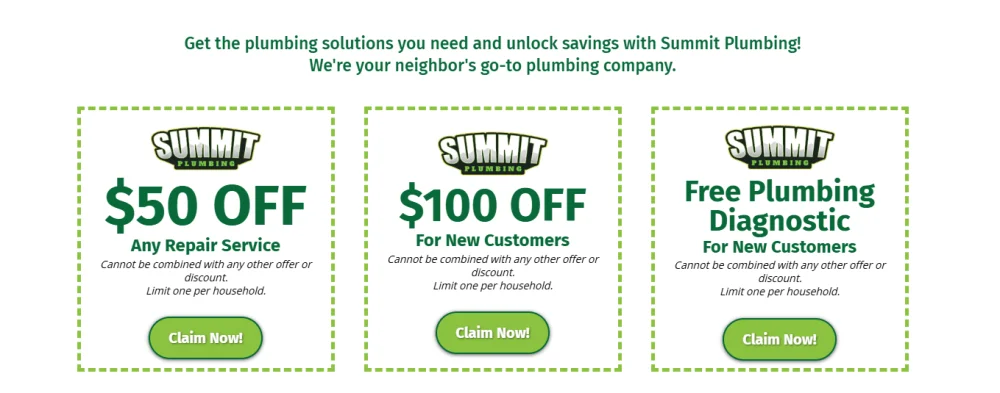
This next part is for the special offers section. You will have to consult with your client on which offers to use. Please pay attention to the example text when filling this out because the placement and capitalization on these matters. Below is an example of how this will look to give you a better idea.
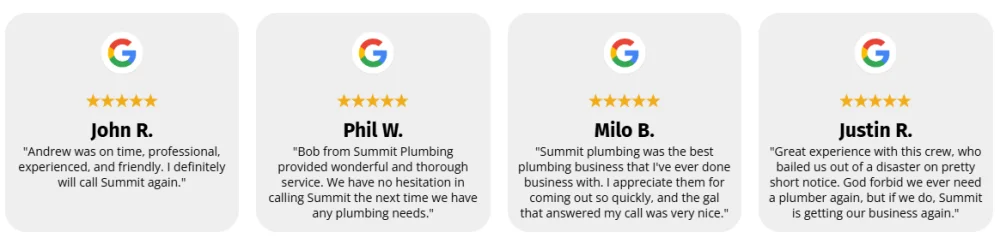
This next part is for the reviews section. Please pay attention to the example text when filling this out. You will need to go to your client's GMB listing and pull four 5-Star reviews for this. Try to pick reviews that are about 2 sentences or pick 2 sentences from the review. Include quotation marks around the review. For the name, we only need the first name and last initial. Below is an example of how this will look to give you a better idea.